AI dance video: turn one photo into a routine

Upload a photo and watch it dance: confident footwork, arm waves, a spin and a sharp final pose in a neon-lit studio, with the camera gliding around.
- One or two photos
- Refund if it fails
- Credits never expire
Make your Dance video
1Photos
0 of 12Effect
3Length
How to make a AI Dance Video video
Add one or two photos
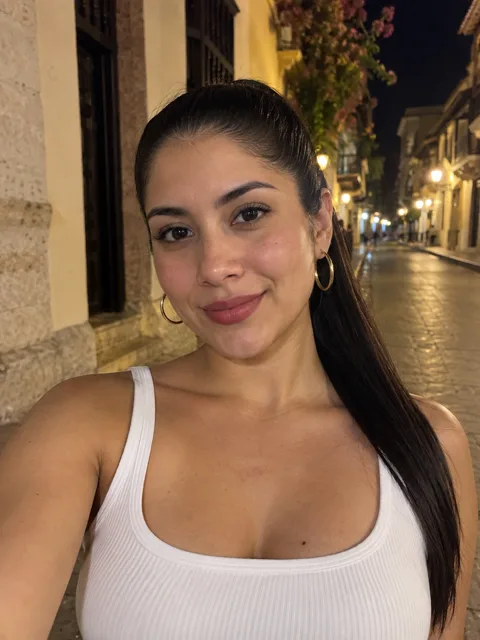
One clear photo of the dancer, waist-up or full-length. Add a second photo, or use one photo of both, to dance as a pair.
Keep Dance selected
This page opens the creator on the Dance effect, so the studio, the lights and the routine are already set.
Pick a length
Five seconds is one tight routine. Eight or ten seconds gives the moves more room before the final pose.
Post it
The video is vertical with an upbeat beat built in. Post it as it is, or add a trending sound when you upload.
Who to make dance
The routine is the same, so the fun is in who you cast and who you send it to:
The friend with two left feet
Everyone knows who never dances. Seeing them nail a routine is the reason people hit replay.
Your parents, in sync
Add a photo of each and send it to the family chat on their anniversary.
Grandpa's comeback
Older dancers get the biggest reactions. A recent, sharp photo keeps the face true.
Team intro
Make one per teammate for a launch post or a welcome message, with everyone's permission.
Birthday opener
Start the birthday with the guest of honor dancing, then follow it with a birthday rap song.
You, but confident
No camera shyness, no rehearsal. Make the dance video you always meant to film.
How an AI dance video works
You give us a photo; the video model keeps the face, hair, skin tone and outfit from it and builds a short dance around that person: a bright studio with neon light strips and a glossy floor, a routine on the beat and a camera that glides around them like a music video.
It is not motion copied from someone else's clip. The moves are generated fresh for each video, so no dancer or choreographer is being recreated.
Why make it here
The studio behind our ai rap video generator makes these too: if a render does not finish, the credits come back on their own, and if a finished one looks wrong, tell us and we will look at it.
Effects cost 1 credit per second, so a five-second dance is 5 credits and a ten-second one is 10. Packs and plans are on the pricing page.
Want a trend instead?
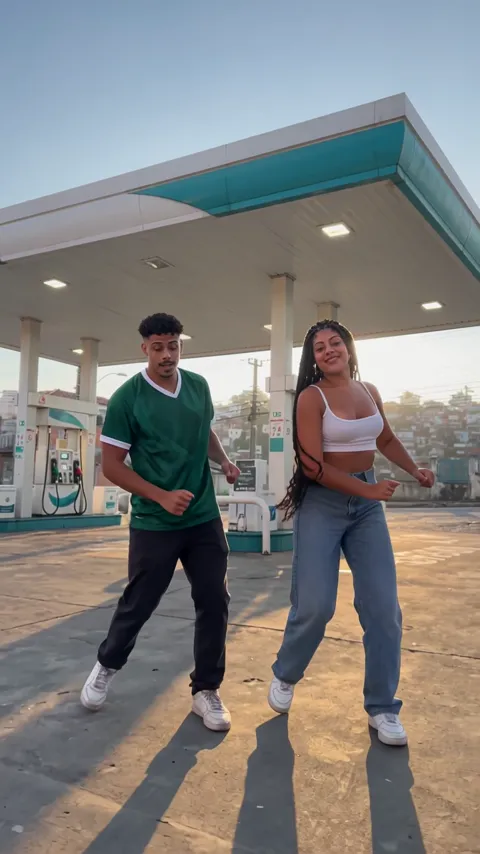
If you are after a specific viral clip, the gas station ai trend puts a dance on a golden-hour forecourt with a selfie and a car at the end.
For something with words, an ai music video generator video has you performing lines written for you, on a stage you pick. Edit any line.
Photos that dance best
Full-length or waist-up photos give the model the body to work with; a tight face crop has to guess the rest. Keep the face front-on and clear, with no sunglasses or low caps.
The outfit in the photo is the outfit in the video, so sneakers and something easy to move in look the most natural. If anything looks off, tell us and we will look at it.
More AI video effects
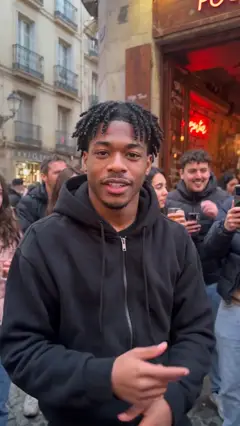 Street FreestyleBulin 47 AIThe Bulin 47 trend
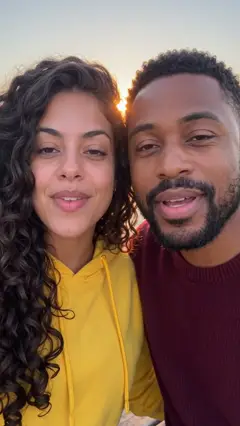 RaindanceRaindance AI TrendGolden-hour pier
 Burning BridgesBurning Bridges AIChandelier party
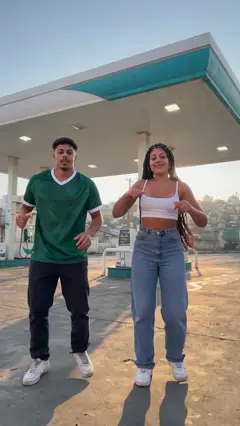 Gas StationGas Station AI TrendThe viral forecourt dance
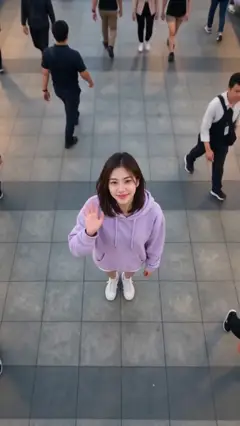 Earth Zoom OutEarth Zoom OutFrom the plaza to space
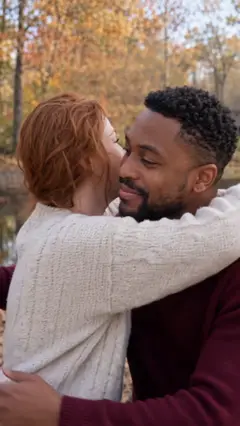 HugAI Hug GeneratorTwo photos, one hug
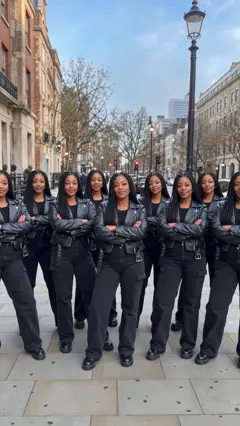 ClonesAI Clone VideoA squad of you
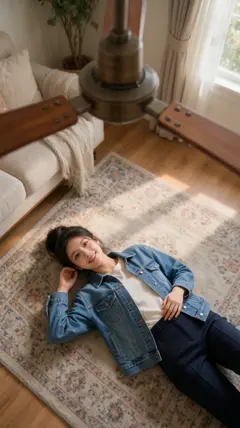 Fan Outfit ChangeCeiling Fan Outfit Change AICeiling fan transition
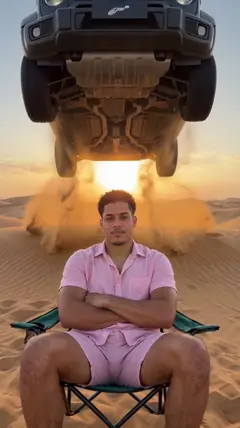 Car JumpCar Jump AI VideoAn SUV flies over you
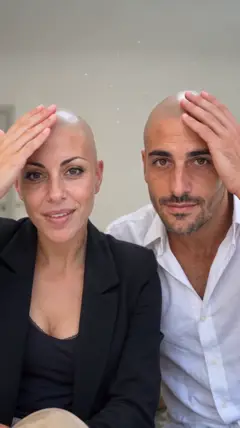 Bald FilterAI Bald FilterPop, and it's gone
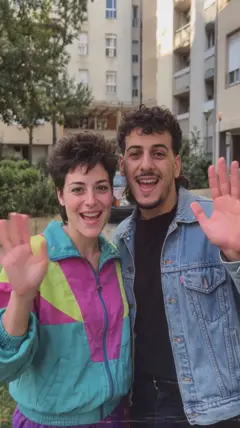 80s Camcorder80s AI VideoA 1985 home video
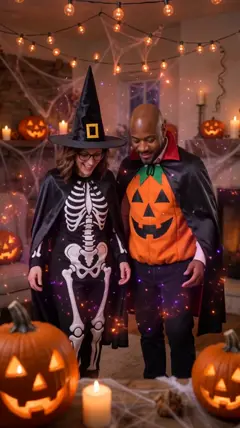 Halloween CostumeAI Halloween CostumeHouse party costumes
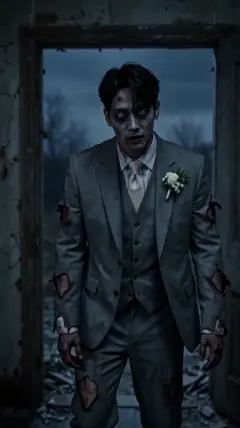 ZombieAI Zombie TrendOne turned, still a hug
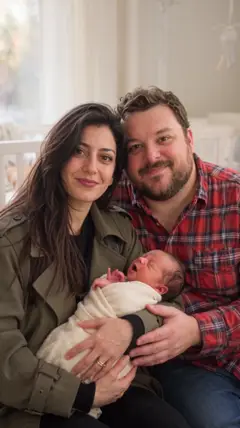 Future BabyAI Baby GeneratorYou two and a newborn
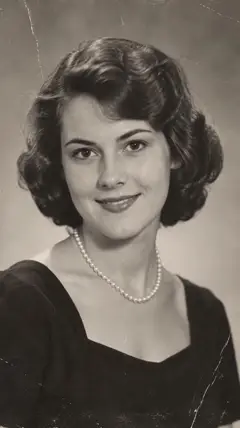 Bring to LifeAnimate Old PhotosAn old photo moves
 Memorial HugHug a Deceased Loved OneOne more hug
 Polaroid HugHug Your Younger SelfHug your younger self
 Slow DanceAI Slow Dance VideoA first dance
 Money RainMoney Rain AIBills from the sky
 Red CarpetAI Red Carpet VideoPremiere night
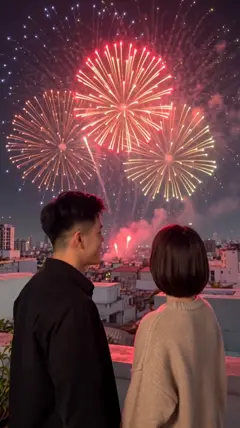 FireworksAI Fireworks VideoA rooftop sky show
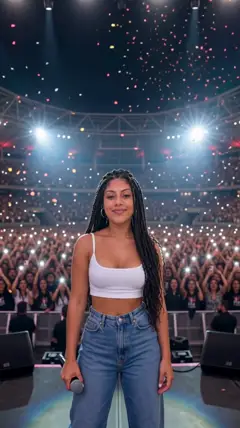 Live ConcertAI Concert VideoA stadium crowd
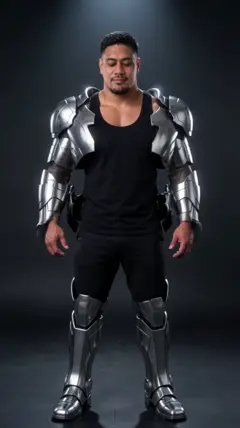 Turning MetalTurning Metal AIChrome armor
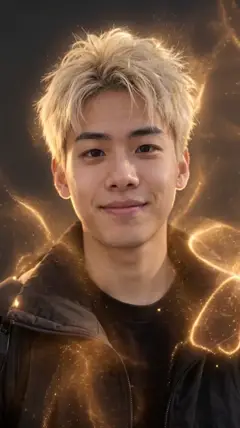 DisintegrationAI Disintegration EffectInto golden dust
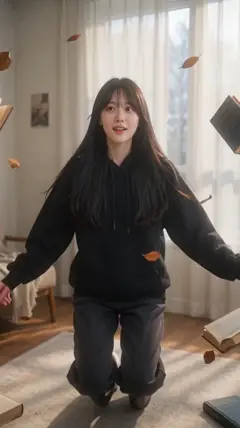 LevitationAI Levitation VideoFloat in mid-air
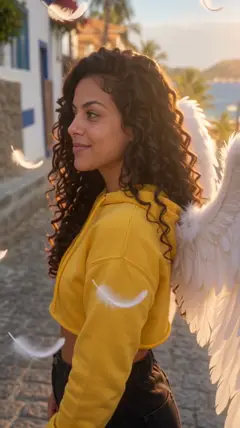 Angel WingsAI Angel WingsWings unfold
 Northern LightsAI Northern LightsUnder the aurora
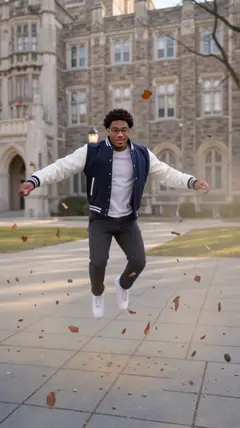 Bullet TimeBullet Time AIFrozen mid-jump
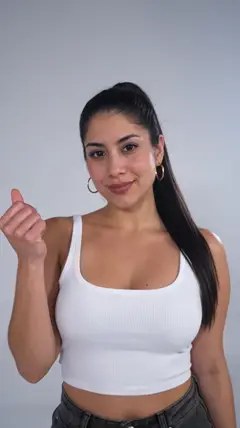 Outfit SwitchAI Outfit SwitchSnap, new look
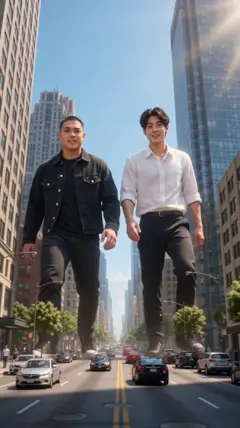 GiantsAI Giant VideoTaller than the city
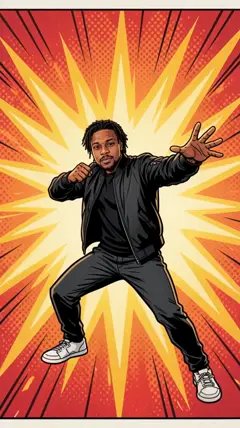 Comic BookAI Comic Book VideoDrawn in ink
 Pizza RainPizza Rain AISlices from the sky
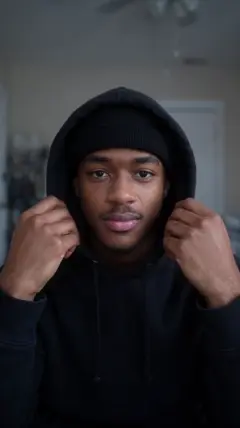 Skull CapSkull Cap TrendCap on, lights off
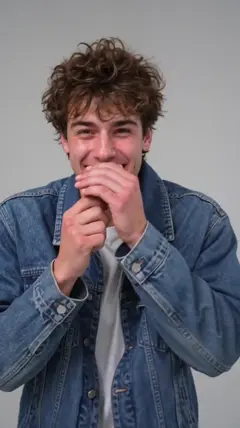 Make It CapOh You Can Make It Cap AIOne spins, one loses it
AI Dance Video questions
Related AI rap videos
What's new on this page
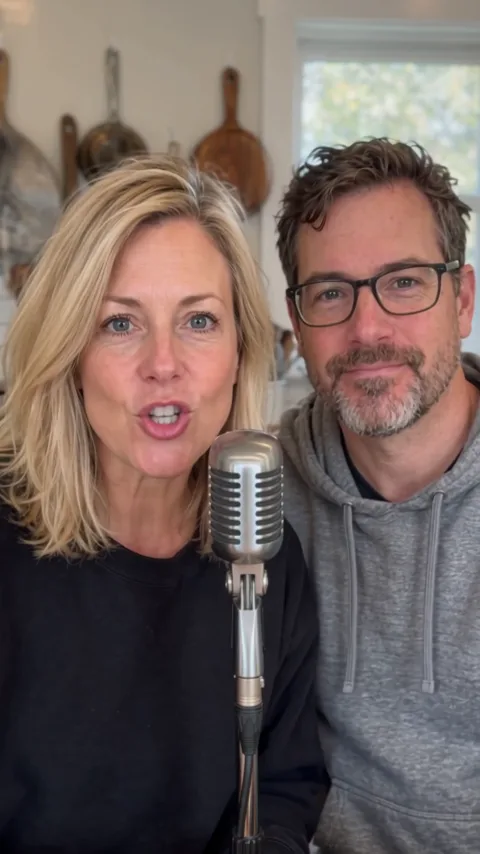
- Added our own eight-second example made from one photo.
- Page opened with the Dance effect preselected.